Quick Cancel
- Go to eForms.com/sign-in/ and log in to your account.
- In the upper-right corner of the website, click the “My eForms” tab.
- Scroll down and click “Subscriptions.”
- On the subscriptions page, click the red “Cancel Subscription” button.
- A pop-up will appear (cancellation offer). Decline it, and confirm by clicking “Cancel Subscription.”
How to Cancel (Desktop)
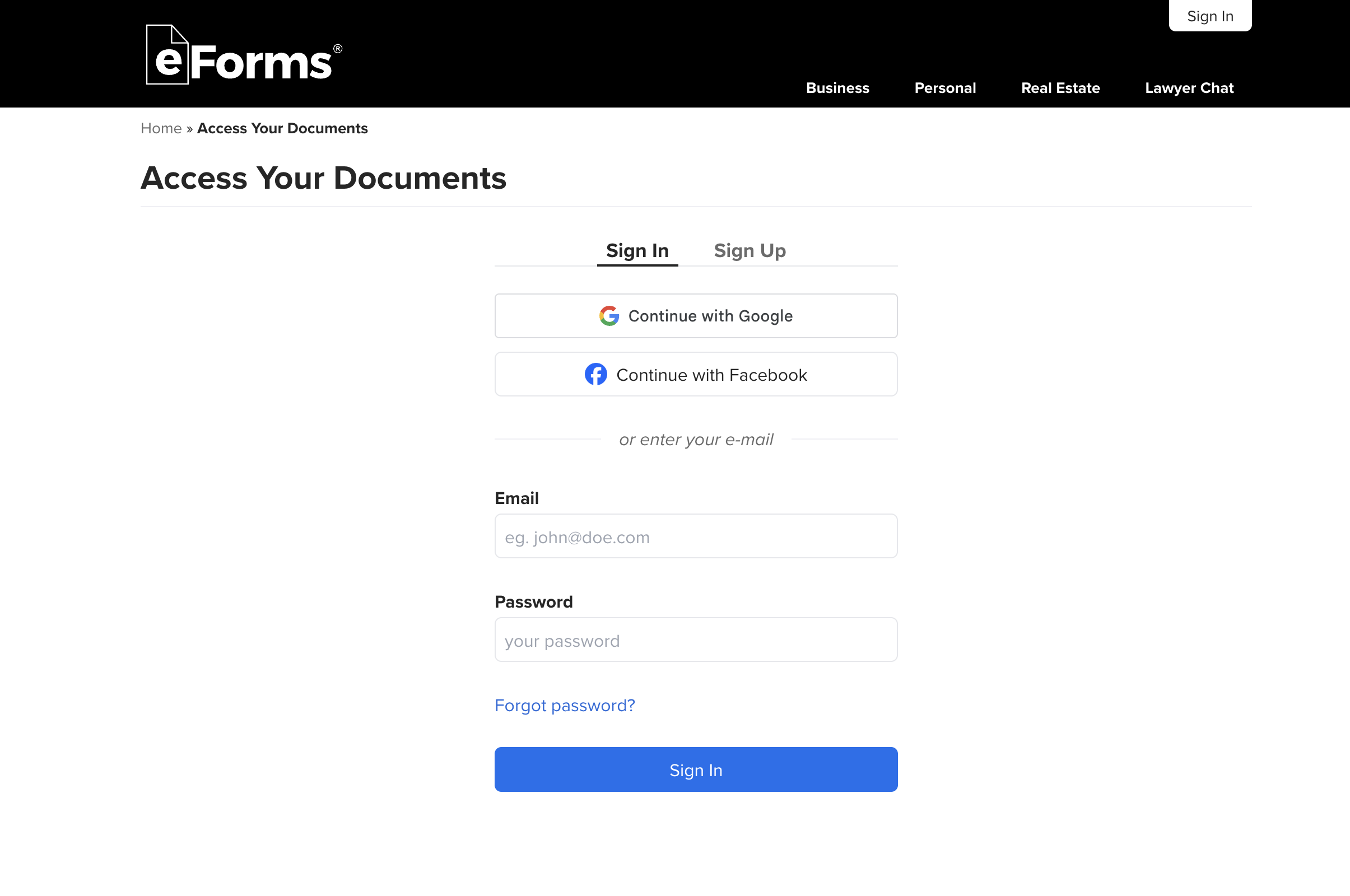
Step 1. Login to eForms
Log in to eForms by going to the sign-in page.
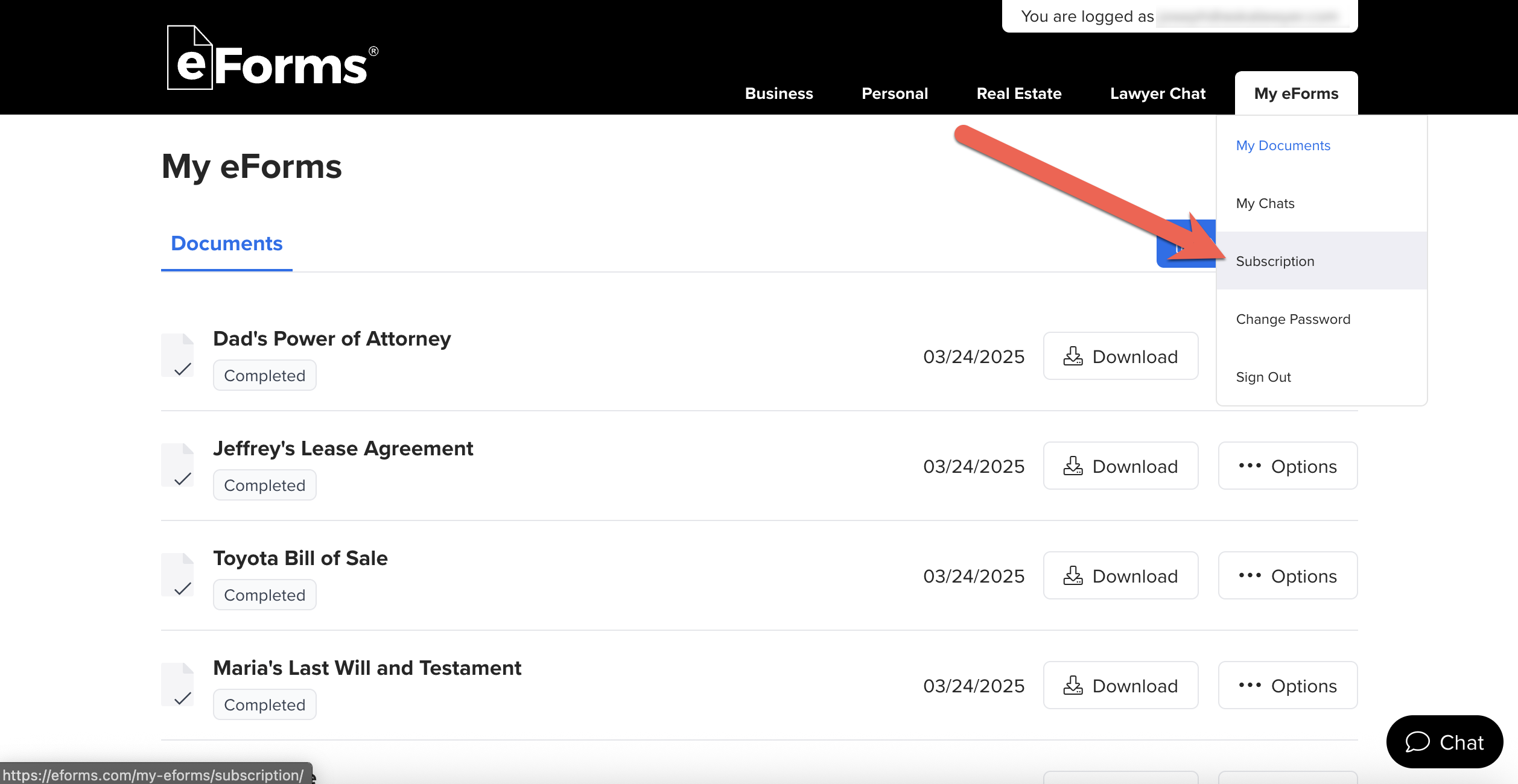
Step 2. Select “Subscription” from drop-down
Bring the cursor to the upper-right portion of the webpage where it says “My eForms” and select “Subscription” (which brings you to the Subscription page).
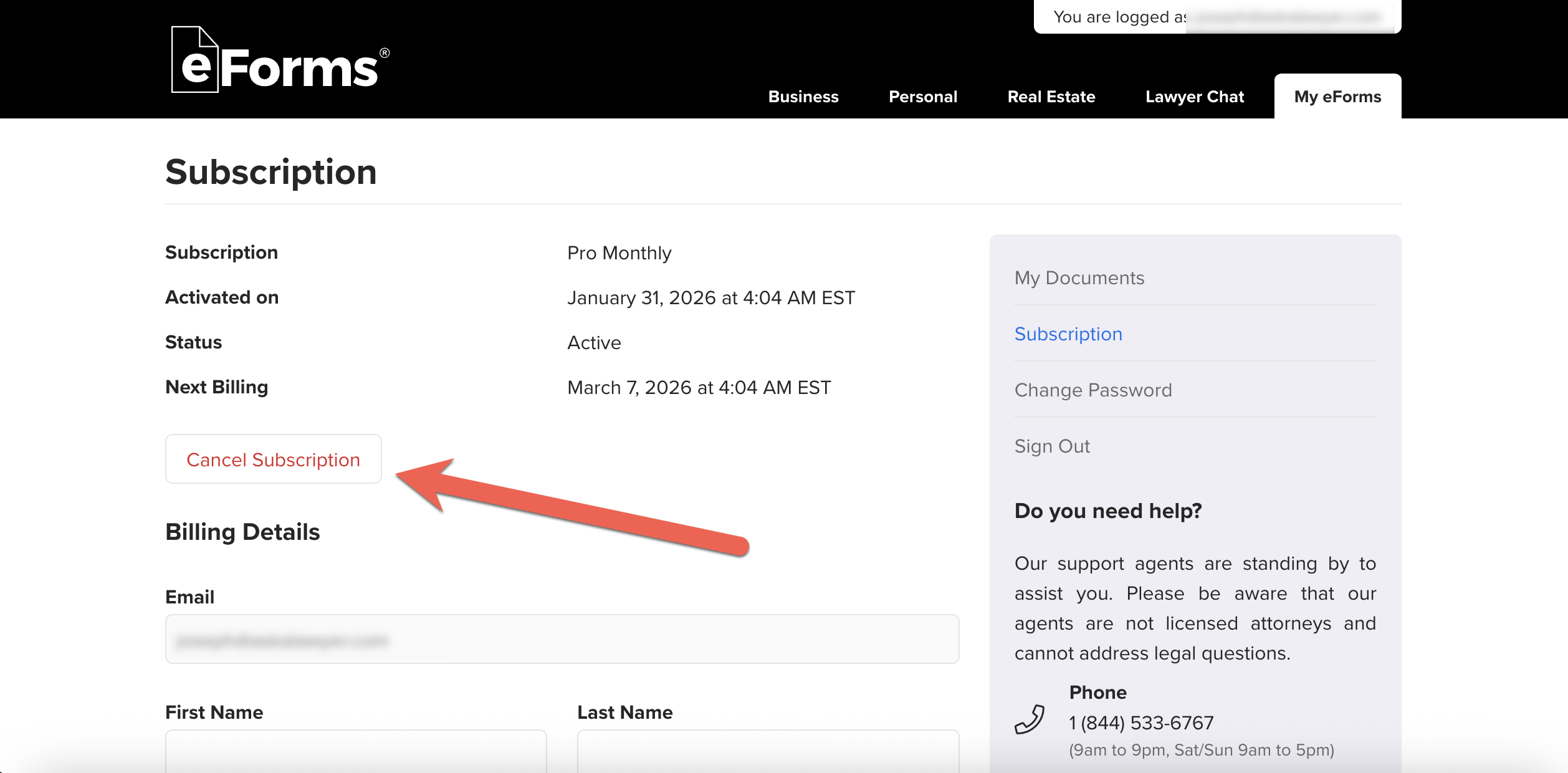
Step 3. Click “Cancel Subscription”
Click the white “Cancel Subscription” button in the red lettering.
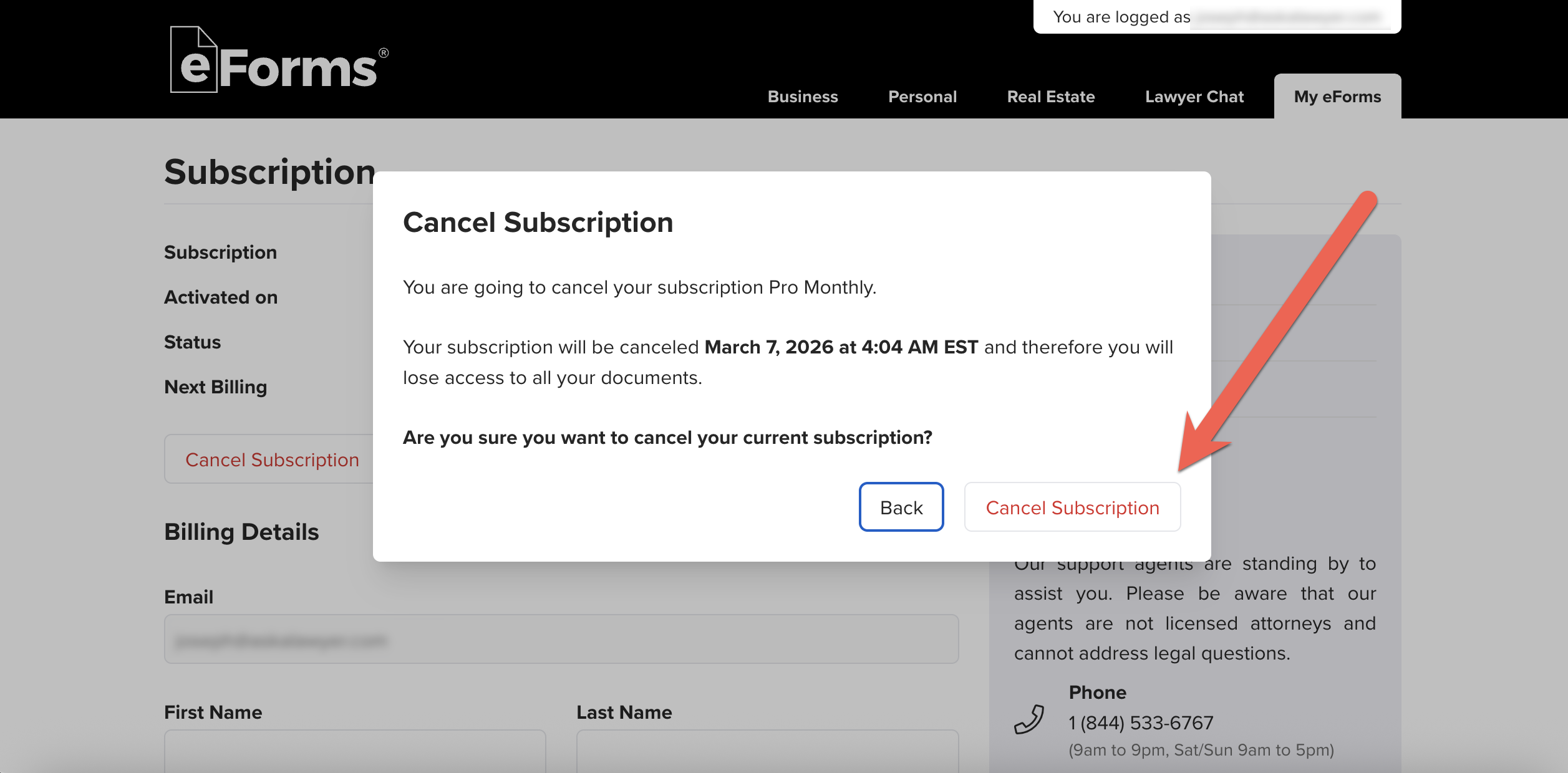
Step 4. Confirm Cancellation
Confirm cancellation by clicking the “Cancel Subscription” button again in the pop-up window that appears. After clicking, your cancellation will be confirmed.
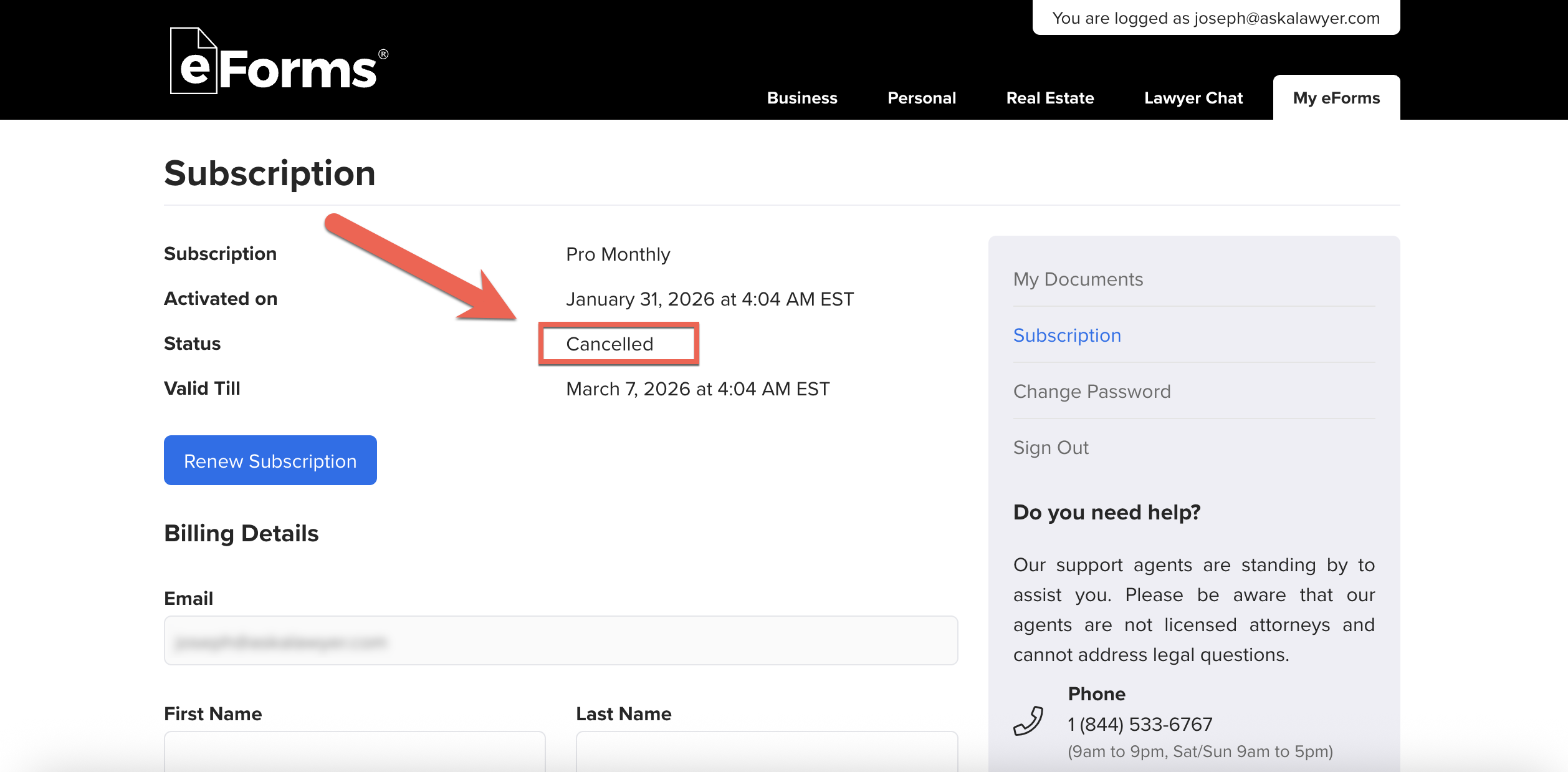
Step 5. View Updated Status
To ensure your cancellation is complete, view its status on the subscription page. In addition, it will also share how long your subscription is valid.
Refund Policy
eForms sometimes issues refunds, but it is dependent on the customer service agent reviewing the account. However, in accordance with its terms of use, eForms is not obligated to give a refund after a payment has been made.
Refunds ARE Given
Company Overview
eForms is a legal forms provider with an extensive library of over 5,000 documents, primarily for users in the United States. They specialize in landlord-related documents such as lease agreements and eviction forms, while providing other popular forms such as bill of sale, power of attorney, and estate documents.
They accumulate customers by offering a free downloadable form on their pages, while also providing a fillable form wizard under a paid service.
Pricing
- Free Trial: 7-day free trial (credit card required) and charged $49/month thereafter.
- Single-Document: 1-time purchase, pricing depends on the form.
- Annual Plan: $199/year.
Tips Before Canceling
You should download any forms you’ve created, as you may lose access after termination.
How to Delete my Account?
There is no manual way to delete your account. To delete your account and all personal information on eForms, you must make a formal request by emailing their customer service at support@eforms.com from the email you wish to delete.